


Yes, United Airlines does provide WiFi access to most of its flights. The United Airlines WiFi is compatible with nearly all electronic devices. However, the availability, speed, and cost of service depend on several factors, such as airplane type, flight route, and the onboard Wi-Fi service provider.
United Airlines is also equipping its entire fleet with Starlink Wi-Fi to enhance the in-flight internet experience with faster, more reliable service. This advanced satellite-based Wi-Fi is currently being rolled out and is offered free of charge to MileagePlus members on select flights.
United Airlines Inflight WiFi Provider
Some of the common onboarding WiFi providers include:
- GoGo
- Panasonic
- Thales
- Viasat
United Airlines Free WiFi Options
- Starlink Wi-Fi: It is available on select flights and is planned to be free for MileagePlus members.
- T-Mobile: Eligible T-Mobile customers can receive free Wi-Fi for one hour, often with streaming and unlimited texting, on most domestic and international United flights. The specific benefits depend on the T-Mobile plan passengers select.
- Free Messaging: Even without purchasing full Wi-Fi access, passengers can often activate free messaging and access united.com and the United app (including in-flight entertainment options) for free.
United Airlines WiFi Cost
Paid WiFi
Prices vary based on the destination and flight duration. For example, for domestic and Short-Haul International (e.g., Mexico, Canada), WiFi cost is typically $8 (or 1,600 MileagePlus miles) for MileagePlus members, and $10 for non-members.
WiFi Subscriptions
United Airlines offers monthly and annual Wi-Fi subscriptions for frequent flyers travelling through North America or globally.
North America & Central America: Starts at $49 or 7,500 miles per month.
Global: Starts at $69 or 10,500 miles per month.
Day Pass
United Airlines offers MileagePlus members the option to purchase a Wi-Fi day pass. The pass can be added during booking or through the trip details of an existing reservation. It becomes active one hour before the first scheduled flight of the day and remains valid for 24 hours. The cost is equivalent to purchasing Wi-Fi separately for each flight within that timeframe.
Read Also: How to Manage Your United Airlines Flight Booking?
How to Connect With United Airlines WiFi?
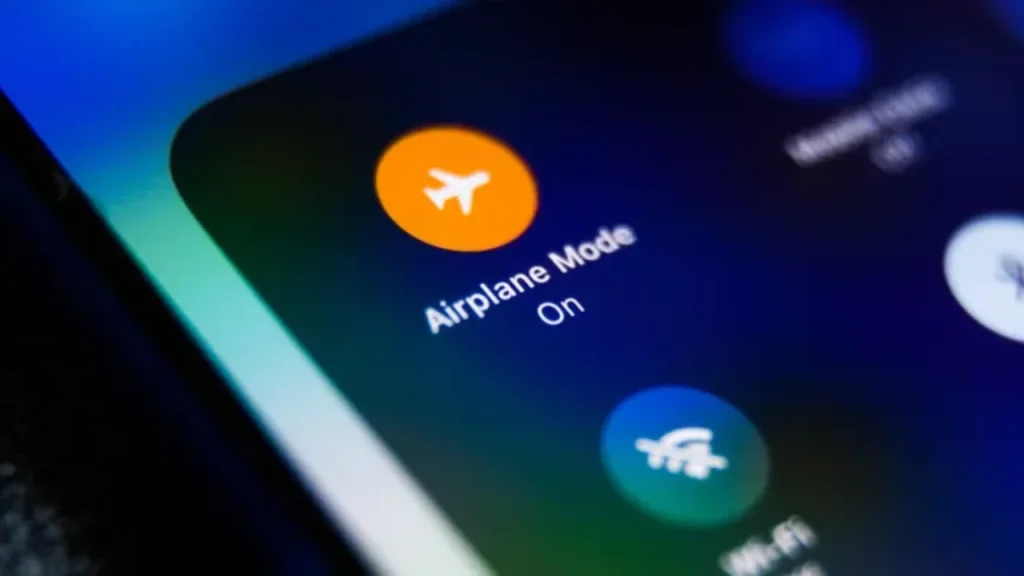
- On the device, turn on airplane mode.
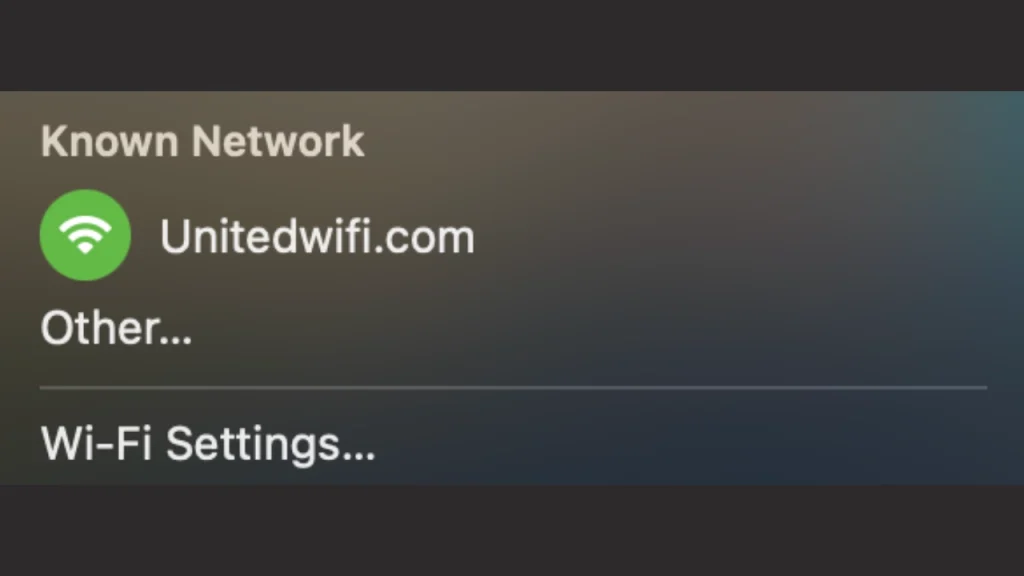
- Connect to the “United Wi-Fi” network.
- Open the internet browser and navigate to unitedwifi.com.
- Follow the instructions to sign in to the MileagePlus account or pay for access using a credit card or miles (where applicable).
Final Thoughts!
United Airlines does provide WiFi on nearly all United Airlines flights, ensuring passengers can stay connected throughout their journey. The airline is currently transitioning to Starlink, a high-speed satellite-based internet service that provides enhanced connectivity. Starlink is being positioned as the new standard for in-flight Wi-Fi and is offered free of charge to MileagePlus members on select flights. While many aircraft are already equipped, full implementation of Starlink across United’s fleet is expected to continue throughout 2025.
Related Topic: Delta Inflight WiFi – Costs, Speed, and Access
Frequently Asked Questions (FAQs) – United Airlines Wi-Fi
Do United Airlines flights have WiFi?
Yes, most of the United Airlines flights offer WiFi connectivity.
How much is WiFi on United Airlines?
United Airlines charges $8 per flight for MileagePlus members and $10 for non‑members on U.S. domestic and short‑haul international routes.
Can I stream videos or send messages on United Airlines WiFi?
It depends on the flight and United WiFi subscription plans.
Does United Airlines provide a day pass to flyers?
Yes, passengers can purchase a day pass for 24 hours only.
